Computer Motherboard CPU relationship sits at the center of every desktop PC. The motherboard acts as the main platform that connects and manages hardware, while the CPU serves as the processing core that executes instructions and drives system performance. If you want to understand how a personal computer works, you need to understand how the Computer Motherboard CPU structure supports memory, storage, graphics, power delivery, and expansion.
For PC builders, electronics buyers, repair technicians, and technology learners, understanding the key components of a Personal Computer Motherboard helps explain how data moves through a system and why motherboard design matters for performance, compatibility, and upgrade potential.
What Is A Personal Computer Motherboard
A Personal Computer Motherboard, also called a PC Motherboard, Mainboard, System Board, Or Computer Mainboard, is the central printed circuit board inside a computer. It physically supports and electrically connects the CPU, memory modules, storage devices, graphics hardware, cooling components, and external interfaces.
The motherboard does more than simply hold parts in place. It provides the communication pathways, power regulation, connection standards, and chipset functions that allow all components to work together as one complete computer system. In any Computer Motherboard CPU architecture, the motherboard determines which processors, memory types, storage interfaces, and expansion cards the system can support.
Why The Computer Motherboard CPU Relationship Matters
The Computer Motherboard CPU connection is one of the most important parts of PC design. The CPU depends on the motherboard for power delivery, socket compatibility, chipset support, and communication with all other hardware. At the same time, the motherboard relies on the CPU to process instructions, manage data flow, and coordinate system operations.
A compatible Motherboard And CPU combination affects:
- System Performance
- Upgrade Flexibility
- Memory Support
- Storage Speed
- Power Stability
- Cooling Requirements
- Expansion Capability
Because of this, the motherboard and processor should always be evaluated together rather than as separate parts.
CPU Socket: The Physical Connection Between Motherboard And Processor
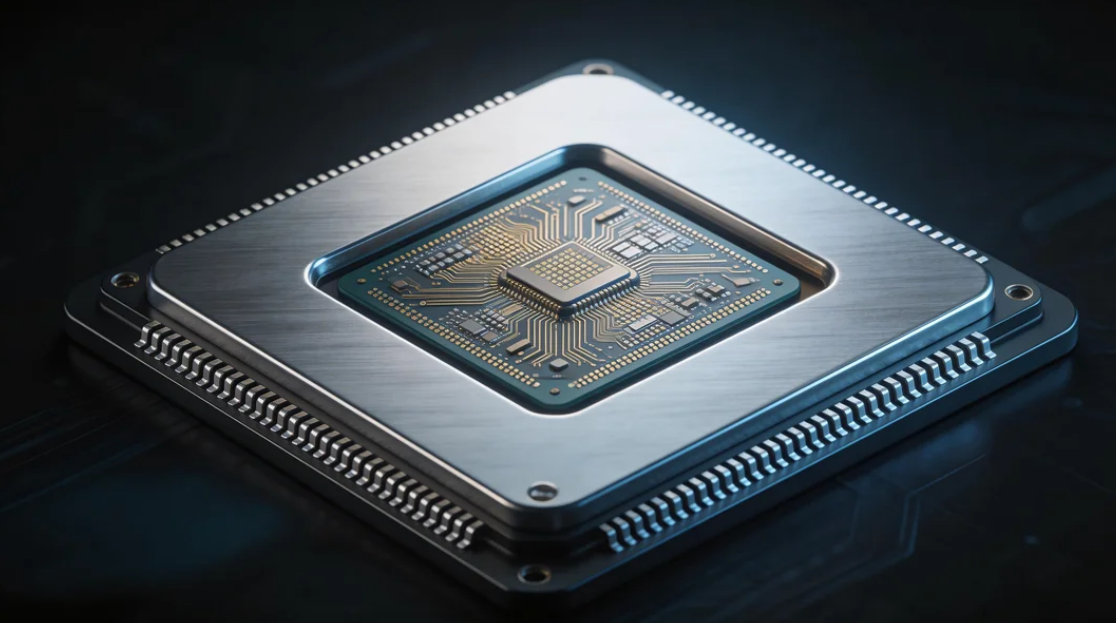
The CPU Socket is one of the most important motherboard components. It is the physical interface that connects the processor to the motherboard.
Different CPUs require different sockets, so motherboard compatibility begins here. A socket must match the specific processor generation and platform. The socket also helps define which chipset family, cooling solution, and motherboard features can be used with the processor.
From an SEO perspective, this is where the Computer Motherboard CPU keyword naturally fits, because users often search for motherboard CPU compatibility, motherboard CPU socket types, and CPU support by motherboard platform.
Chipset: The Traffic Manager Of The Motherboard
The Chipset is another key motherboard component. It controls communication between the CPU and the rest of the system, including storage devices, USB ports, PCIe lanes, and expansion features.
In modern PC systems, the chipset helps manage:
- Peripheral Connectivity
- PCIe Expansion
- SATA And NVMe Storage Support
- USB And Networking Functions
- Overclocking Features On Supported Platforms
Although the CPU handles most of the processing workload, the chipset strongly influences the overall capabilities of the motherboard.
RAM Slots: Memory Support For The CPU
The RAM Slots, also called DIMM Slots, hold the system memory modules. RAM works closely with the CPU by providing temporary high-speed storage for active data and running applications.
A motherboard’s memory support depends on:
- RAM Type
- Number Of Memory Slots
- Maximum Supported Capacity
- Memory Speed Compatibility
- Channel Configuration
A strong Computer Motherboard CPU platform requires balanced memory support because the CPU performs best when paired with compatible, properly configured RAM.
VRM And Power Delivery: Stable Power For Processor Performance
The Voltage Regulator Module, or VRM, is a critical part of motherboard design. It regulates and delivers power from the power supply to the CPU.
A high-quality VRM helps ensure:
- Stable CPU Voltage
- Better Thermal Performance
- More Reliable Operation Under Load
- Improved Support For High-Performance Processors
- Better Overclocking Capability On Supported Systems
When buyers compare a Computer Motherboard CPU setup, VRM quality is often an overlooked factor, but it has a major influence on long-term stability and processor performance.
Expansion Slots: Adding Graphics Cards And Other Hardware
A personal computer motherboard includes Expansion Slots, most commonly PCIe Slots, for adding extra hardware. These slots allow users to install graphics cards, sound cards, network cards, storage expansion cards, and other devices.
The most important expansion slot is usually the PCIe X16 Slot, which is commonly used for a GPU. Additional PCIe slots provide flexibility for workstation builds, gaming systems, and industrial PC applications.
The number and type of expansion slots can affect how well a motherboard supports future upgrades.
Storage Connectors: SATA And M.2 Interfaces
Storage support is another essential part of motherboard design. Modern motherboards typically include:
- SATA Ports For Hard Drives And SATA SSDs
- M.2 Slots For NVMe SSDs
- Sometimes Additional High-Speed Storage Interfaces
These connectors allow the CPU and chipset to access operating system files, applications, and user data. In a modern Computer Motherboard CPU setup, fast storage support can improve boot speed, software loading, and overall system responsiveness.
BIOS Or UEFI Firmware: The Startup Control System
Every motherboard includes firmware, commonly referred to as BIOS or UEFI. This built-in system initializes hardware during startup and allows users to configure system settings.
The firmware manages important functions such as:
- Boot Device Selection
- CPU Configuration
- Memory Settings
- Fan Control
- Hardware Monitoring
- Security Features
Without BIOS or UEFI, the motherboard could not properly start the CPU, detect installed hardware, or load the operating system.
Rear I/O Ports And Internal Headers
A personal computer motherboard also includes Rear I/O Ports and Internal Headers that connect the system to external devices and case components.
Common rear I/O options include:
- USB Ports
- Ethernet Port
- Audio Jacks
- Video Outputs On Supported Systems
- Wi-Fi Antenna Connectors On Some Models
Internal headers may support:
- Front Panel USB
- Power And Reset Buttons
- Audio Connections
- RGB Lighting
- Cooling Fans
These connections help define how practical and versatile the motherboard is for real-world PC builds.
Cooling Support And Fan Headers
A modern motherboard includes Fan Headers and sometimes specialized cooling controls for CPU coolers, system fans, and liquid cooling systems.
Cooling support is important because the Computer Motherboard CPU combination generates heat during operation. Proper cooling helps maintain performance, reduce thermal throttling, and improve long-term system reliability.
Motherboards with better thermal design often provide:
- More Fan Headers
- Better Fan Control
- Heatsinks On VRM Components
- M.2 Cooling Solutions
CMOS Battery And Small Supporting Components
Some smaller motherboard parts are easy to overlook but still important. The CMOS Battery helps retain system settings such as time, date, and BIOS configuration when the computer is powered off.
Other supporting motherboard components include:
- Audio Codec
- Network Controller
- Clock Generator
- Power Connectors
- Diagnostic LEDs Or Debug Displays
Together, these smaller elements help complete the motherboard’s role as the system’s central hardware platform.
How To Choose The Right Computer Motherboard CPU Combination
When selecting a Computer Motherboard CPU setup, buyers should focus on compatibility and intended use. A good motherboard should match the processor platform while also supporting the desired memory, storage, graphics, and connectivity features.
Important factors include:
- CPU Socket Compatibility
- Chipset Features
- VRM Quality
- RAM Support
- Storage Options
- Expansion Slots
- Rear I/O Connectivity
- Cooling Design
- Upgrade Potential
Whether the goal is gaming, office computing, content creation, industrial control, or OEM system integration, the motherboard and CPU should be chosen as a matched platform.
Applications Of Personal Computer Motherboards
A Personal Computer Motherboard is used in many types of systems, including:
- Desktop PCs
- Gaming Computers
- Office Workstations
- Industrial Computers
- Educational Systems
- Home Media PCs
- Engineering Workstations
- OEM Computer Assemblies
Because the motherboard connects every major hardware subsystem, it remains one of the most important parts in the entire computer.
Conclusion
Understanding the key components of a Personal Computer Motherboard makes it easier to understand how a desktop computer operates as a complete system. From the CPU Socket, Chipset, RAM Slots, And VRM to the Storage Interfaces, Expansion Slots, BIOS, And Rear I/O, each part of the motherboard plays a specific role in supporting performance, compatibility, and reliability.
The Computer Motherboard CPU platform is especially important because it defines the core of system capability. A well-matched motherboard and processor combination helps ensure stable power delivery, smooth communication between components, efficient cooling, and strong upgrade flexibility.
For anyone building, buying, or learning about PCs, the motherboard is far more than a simple circuit board. It is the central hardware foundation that allows the CPU and every connected component to function as one complete computer system.